Saturday, 28 January 2017

Maya Rigging: joint creation, and axis rotation for finger and thumb joints

Rigging and joint creation for fingers and thumbs...

Showing the joint hierarchy and naming conventions highlighted in blue, in the Outliner

 As the movement of the thumb joint, is at an angle, compared to the fingers, the rotation axis within the thumb joints needs to be adjusted.
Below is an example of the handwritten notes I take in class, in addition to the live tutorials and brilliant work sheets that Sean creates...
By listening, watching and writing simultaneously, I can get a deeper understanding of what is required...
Image below of the joints in 'component' mode....and each individual gismo and rotation axis being adjusted.
L_thumb_01_bind joint retains the same orientation in X,Y,Z axis, as the finger joints (e.g Y is vertical, X and Z are at 90 degrees)
L_thumb_02_bind joint (second joint down the chain) has the orientation adjusted, so that the Y (green) axis is rotated outwards to about 45 degrees (perpendicular to what would be the thumb nail).
And the X (red) axis points directly along the chain to the next joint along...

The rotation orientation adjustment was made created in the Perspective view by eye...


 Selecting the hierarchy in Outliner and testing the rotation of all joints simultaneously

Creating heel locators, snapping to the ankle joint then repositioning (making sure that the pivot point is also moved)

Locators indicating inner and outer foot banking....
Outliner shows parenting hierarchy

Thursday, 26 January 2017

Preliminary screen shots to show the early stages of a colourscript


 Some screen shots to get an idea of early stages of a colourscript....


Maya shot list folders

Creation of shot files in Maya...
Note to self: Create these from and within Maya; so that each shot folder has the Maya sub-folders for scenes, source images, movies, sounds etc....
do not create these in windows!


Bedrich Smetana; John William Waterhouse and animated theatrical gauzes!

                     
Time to create my Previs....accompanied by the soundtrack from Bedrich Smetana's "From My Life" ( a composer who became deaf....and continued to write and compose) ...

I discovered this album whilst on my Theatre Design degree at Wimbledon....as we were given the brief to design a contemporary ballet using the music 'From My Life'; depicting Smetana's relationship with his wife.
To portray the onset of his deafness and his internal journey and acceptance around this, I designed a series of Art Nouveau costumes inspired by John William Waterhouse's 'The Lady of Shalott' (incredible creation of 'daylight' with oil paint) and a set which was jet black, apart from illuminated gauzes, each showing an Art Nouveau rose in a varying state of decay....
Each gauze was sequentially lit, using foreground dimmers and backlights...thus making the gauzes magically dissolve, revealing another stage of decay.....real time animation!

Interesting that Thaw also has similar themes, including symbolic flowers...and that I have selected this piece of music to work to today...


Friday, 20 January 2017

Andy Warhol: Photoshop effects layers

In preparation for an Andy Warhol screen printing class at the DCA in Dundee tomorrow, I've been playing in Photoshop...the simplest result was creating two effects layers....one for vibrance and saturation (cranked up) and the other for posterise...


Thursday, 19 January 2017

Oneplus 3T 1080p Timelapse and Slo Mo footage

So, with my new fantastic Oneplus 3T, I've recorded this timelapse footage....
Shot in the standard factory setting (non-adjustable as far as I am aware) 1080p HD...
There is the option of 4K for stills...


I imported the timelapse footage into Premier Pro CC and used this time-mapping tutorial,
https://www.premiumbeat.com/blog/3-approaches-for-time-remapping-in-adobe-premiere-pro/
to increase the speed by 800%

Use Time Remapping

1. Right-click on your clip and select ‘Show Clip Keyframes>Time Remapping>Speed’
Screen Shot 2015-01-08 at 12.05.53 PM
2. Increase your speed
Time Remapping In Action
Simply drag the ‘Rubber Band’ on your clip up and down to increase/decrease the clip duration. You can Command+Click on a Mac or Control+Click on Windows to set keyframes. There are actually a lot of really cool ways to manipulate clip speed using this feature. The video tutorial below outlines a few helpful ways to use the Time Remapping Tool.
The slo motion sunset (and lucky bird) is as per the default settings within the Oneplus 3T; which, by the way, you could also make phone calls with, if you have the time....


Sunday, 15 January 2017

PhD mind mapping and No Knead Bread; Jim Lahey

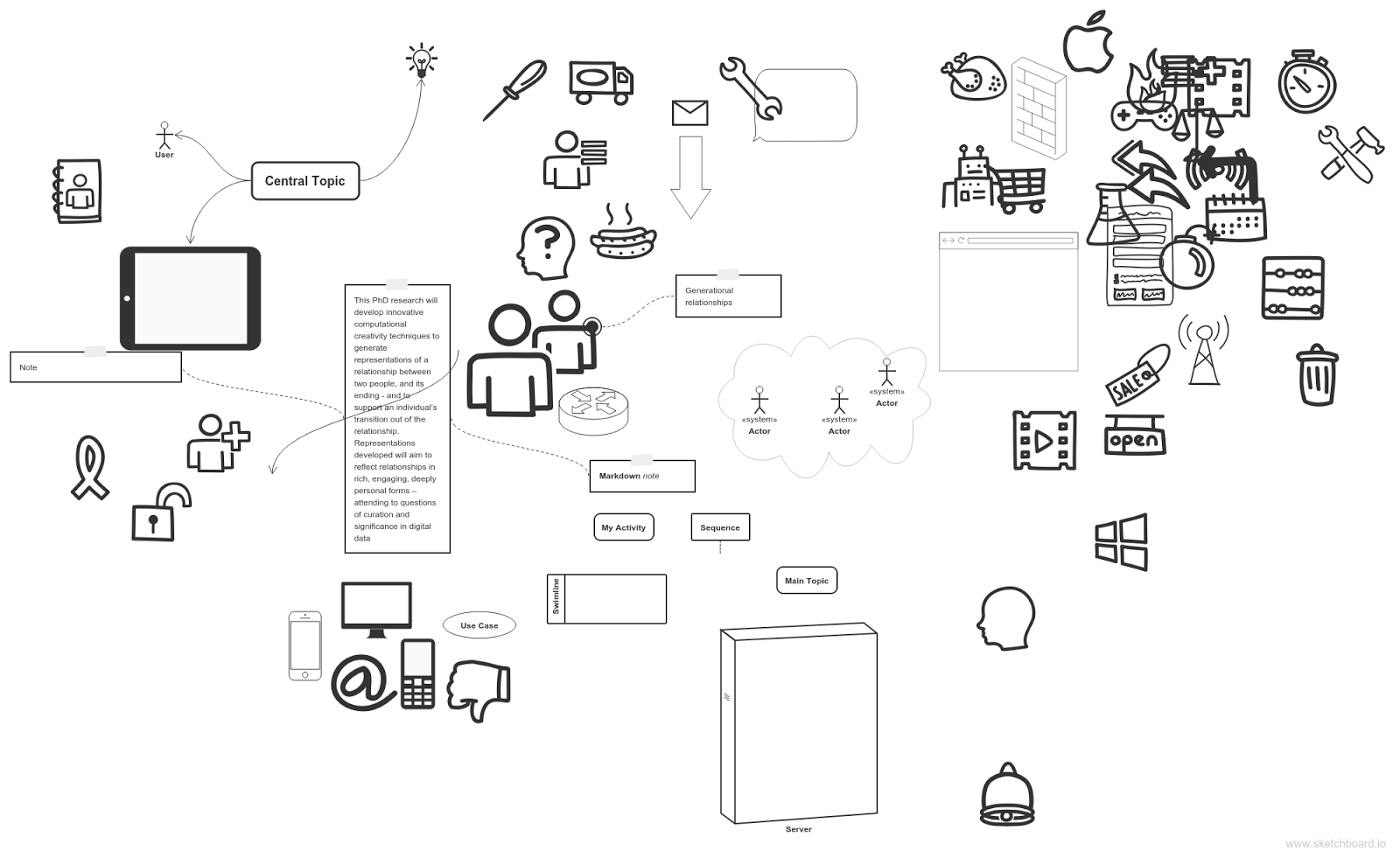
Found this great link, as a helpful online tool, to help me get my thoughts and ideas into a structure, in preparation for an industry facing, arts practice PhD application

No need to panic Mr Mannering....

No knead bread...for some food based creativity
http://cooking.nytimes.com/recipes/11376-no-knead-bread